
The AI MIDI editor
Your idea.
Every note yours.
Compose with AI and shape the result in a hands-on MIDI editor. Explore a new melody, develop an arrangement or bring an existing MIDI file back to life.
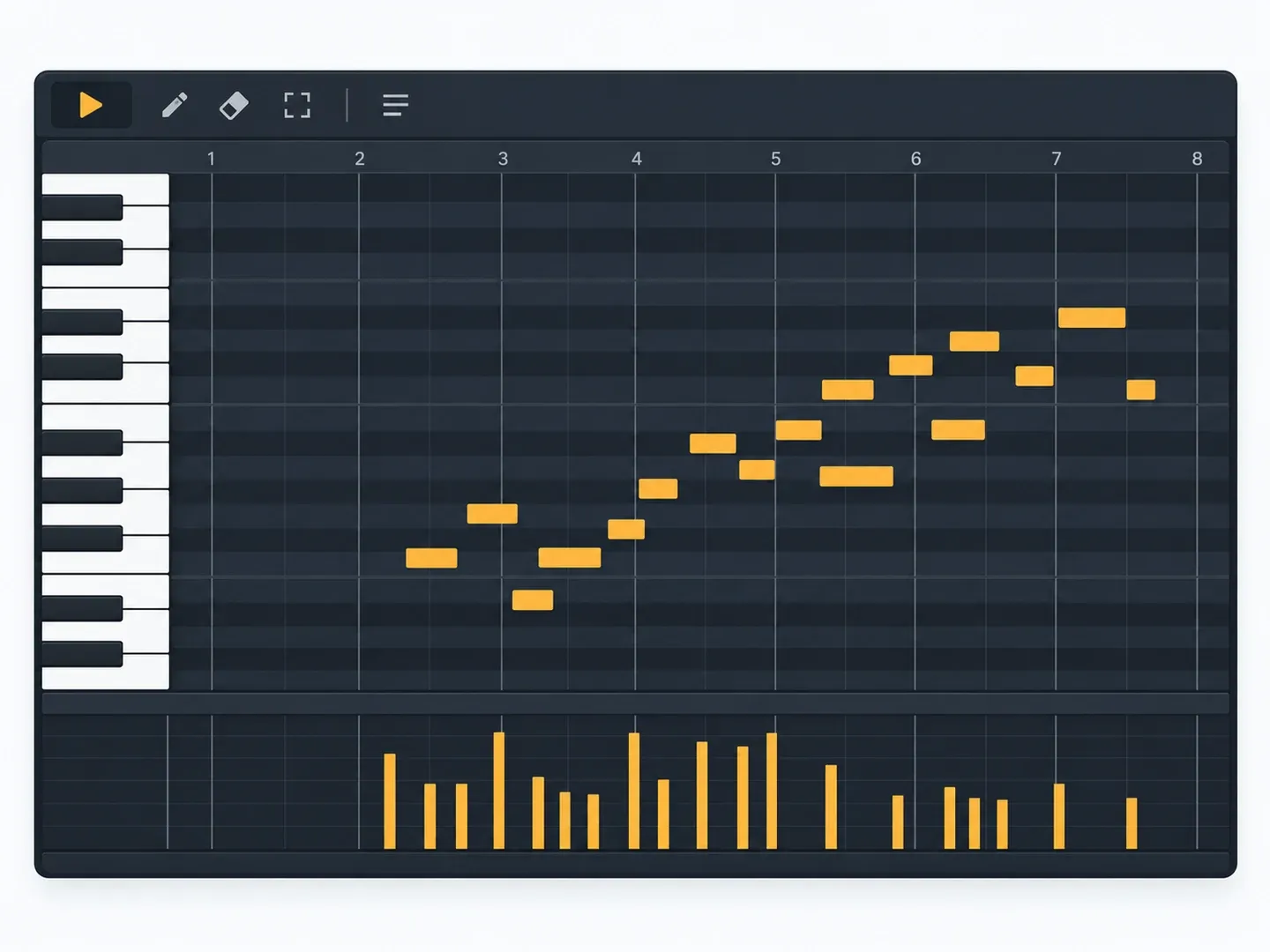
An idea is only the beginning.
Create with AI
Describe the music you want, ask for a change and explore a new direction.
Edit the details
Work with notes, timing, velocity and instruments in the piano roll.
Bring your own MIDI
Import a MIDI file, build on it and export it for your next session.
Choose your device
Make room for your next song.
Check your store for compatibility, current pricing and available purchases. Features can vary between platforms.
Prefer a conversation?
Make music in ChatGPT.
Use the Midify plugin to compose, edit and play music within chat. Start with an idea and refine it with your next message.
Open the Midify plugin ↗See it in action
Watch Midify tutorials and music-making examples.
A few useful answers.
What is Midify?
Midify is a MIDI music editor with an AI assistant. Start with a musical idea or import an existing MIDI file, work on the notes and arrangement, then export MIDI to continue in your music software.
Which devices can I use?
Midify has apps for Windows, macOS, iPhone, iPad and Android. You can also open the web editor or use the Midify plugin in ChatGPT. Check the individual store listing for compatibility, pricing and available purchases.
How does Midify work in ChatGPT?
Open the Midify plugin listing in ChatGPT and connect it to your conversation. Describe the music you want to make, listen to the result and ask for changes. Availability depends on your ChatGPT account and region.
Is the app the same as the ChatGPT plugin?
They offer two ways to make music with Midify. The dedicated app is a hands-on MIDI workspace with a piano roll and AI assistance. The ChatGPT plugin lets you compose, edit and play music in a conversation. Features and purchases can differ between platforms.